
The operating desk for your mobility office.
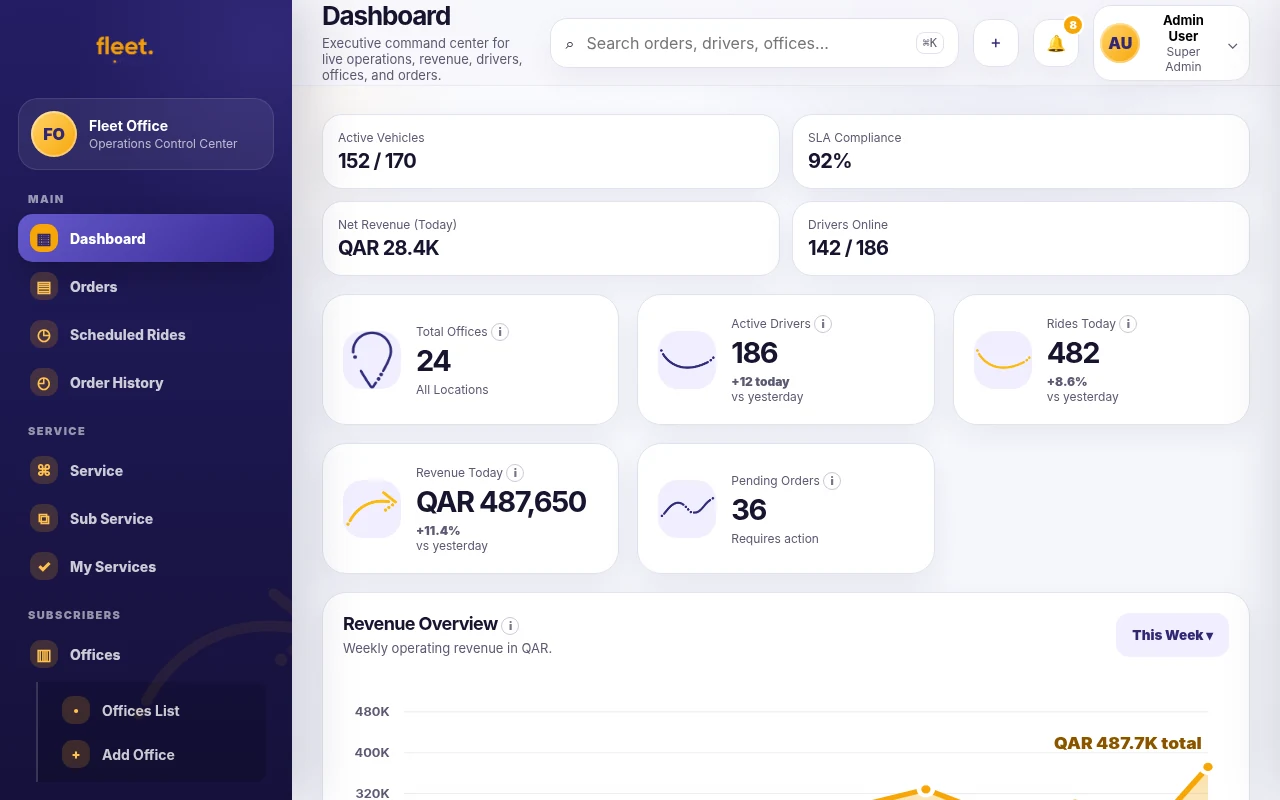
The dashboard is designed for office operators, dispatchers and managers. It removes super-admin complexity and focuses on daily work: orders, live trips, customers, drivers, vehicles, employees, finance, services, support and reports.
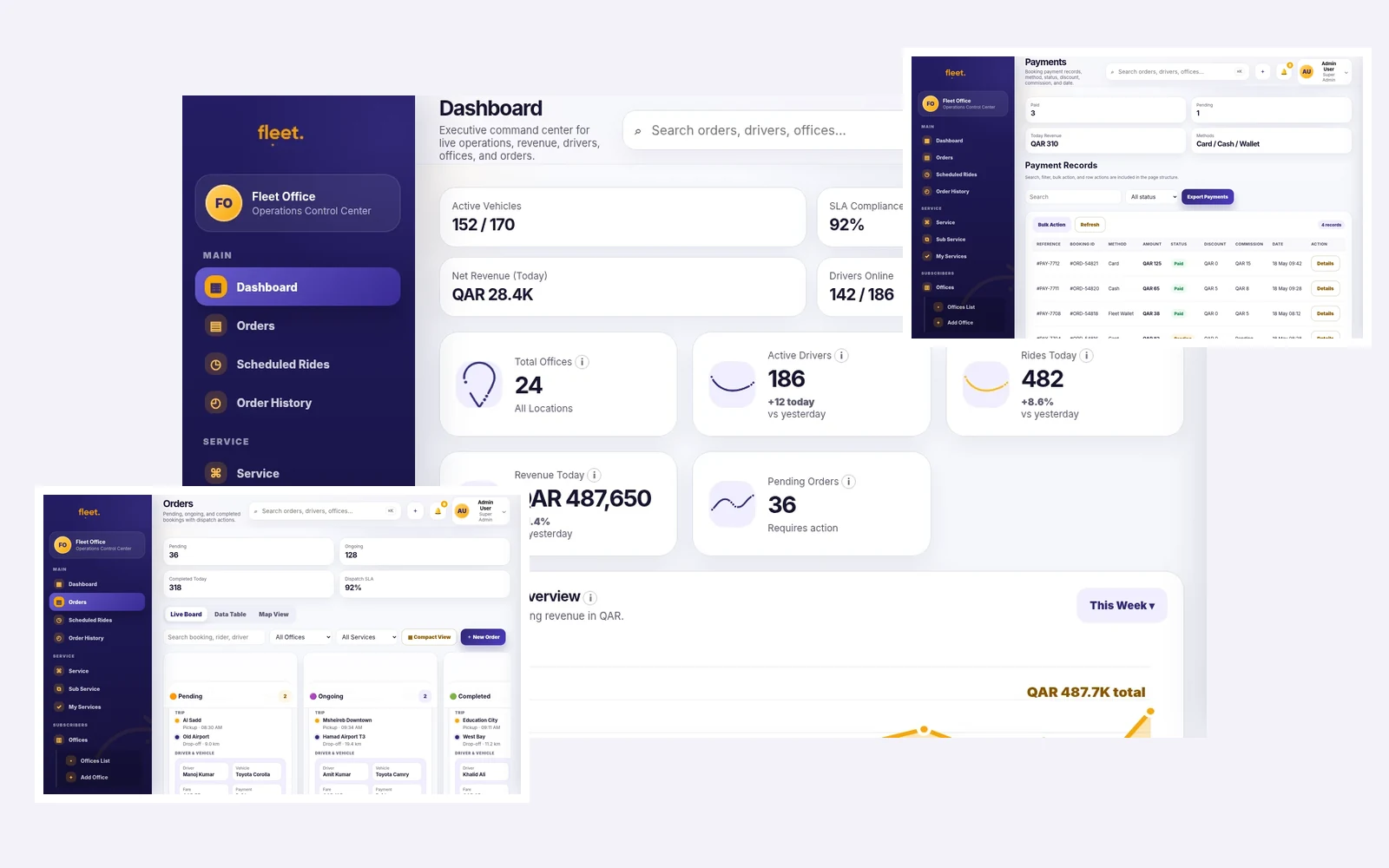
No super-admin menu. Only office operations.
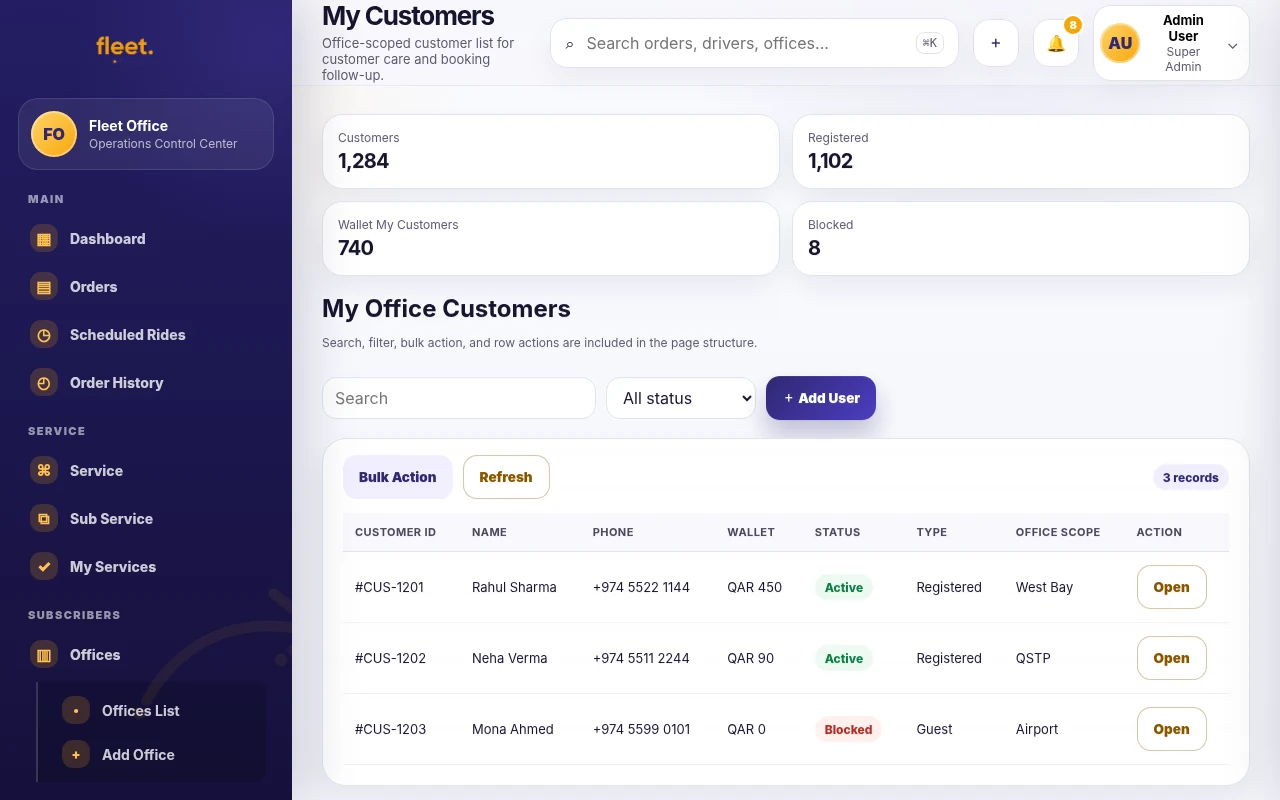
The dashboard language and navigation are adjusted for the office user. “Users” becomes “My Customers,” the office-management tab is removed, and the navigation supports one operator’s daily business.
Main
Dashboard, Orders, Scheduled trips and Live trips for active office operations.
Operations
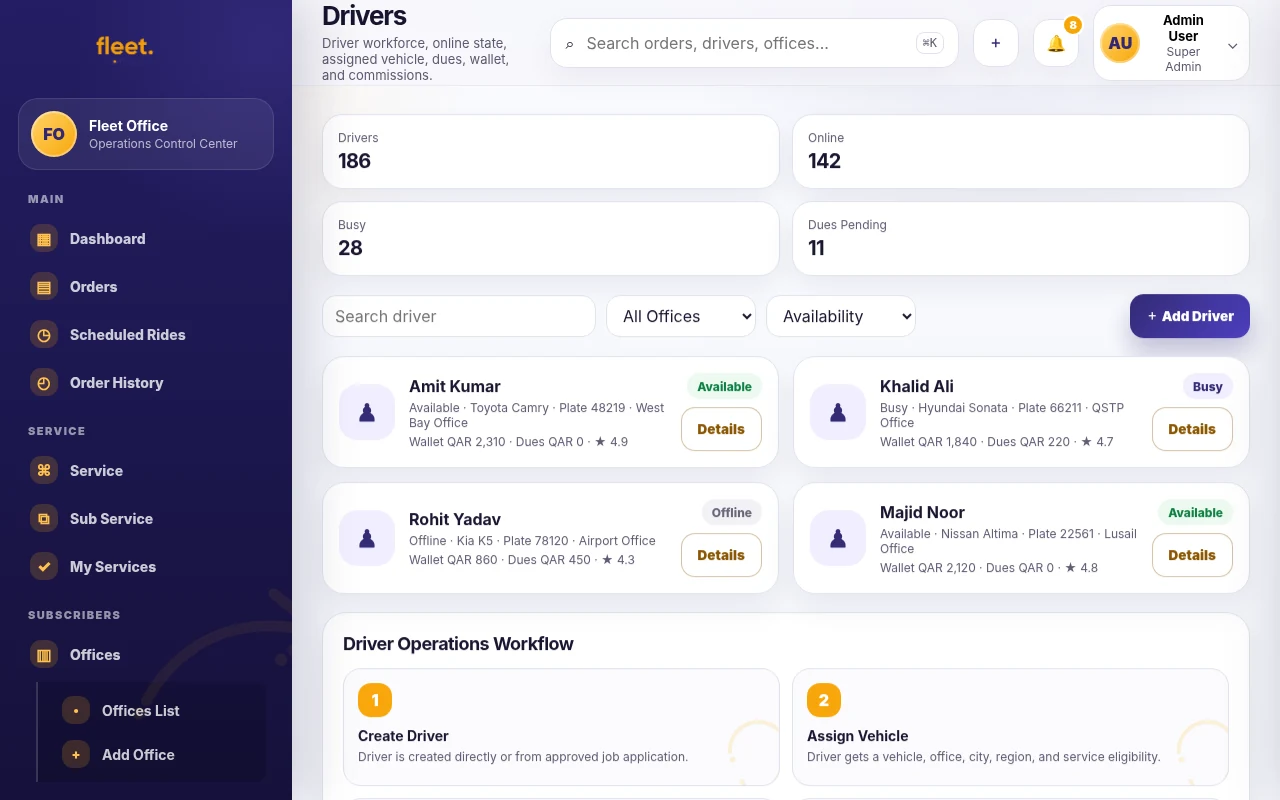
My Customers, Drivers, Vehicles and Employees for people and supply management.
Finance
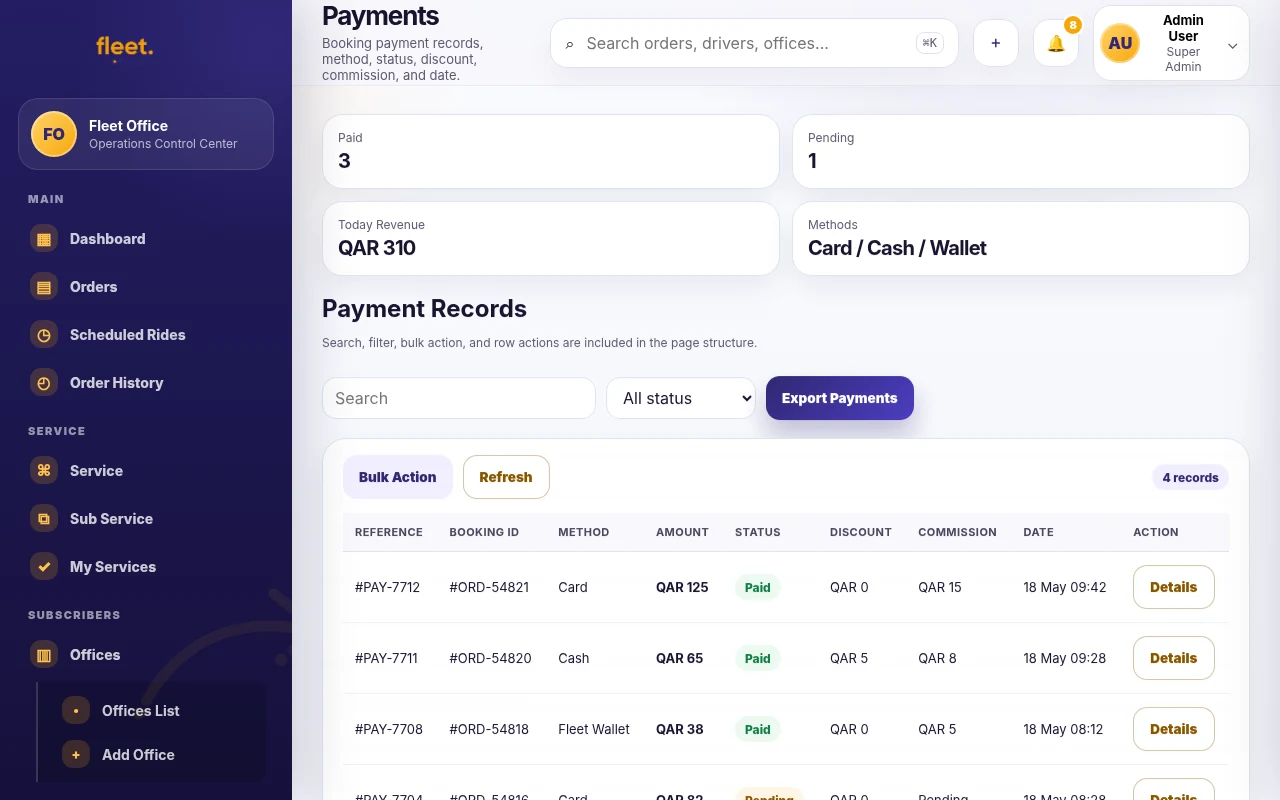
Transactions, Wallet and Payouts in USD for office visibility.

Office tools
Services, Pricing, Support tickets, Reports and Settings for business control.
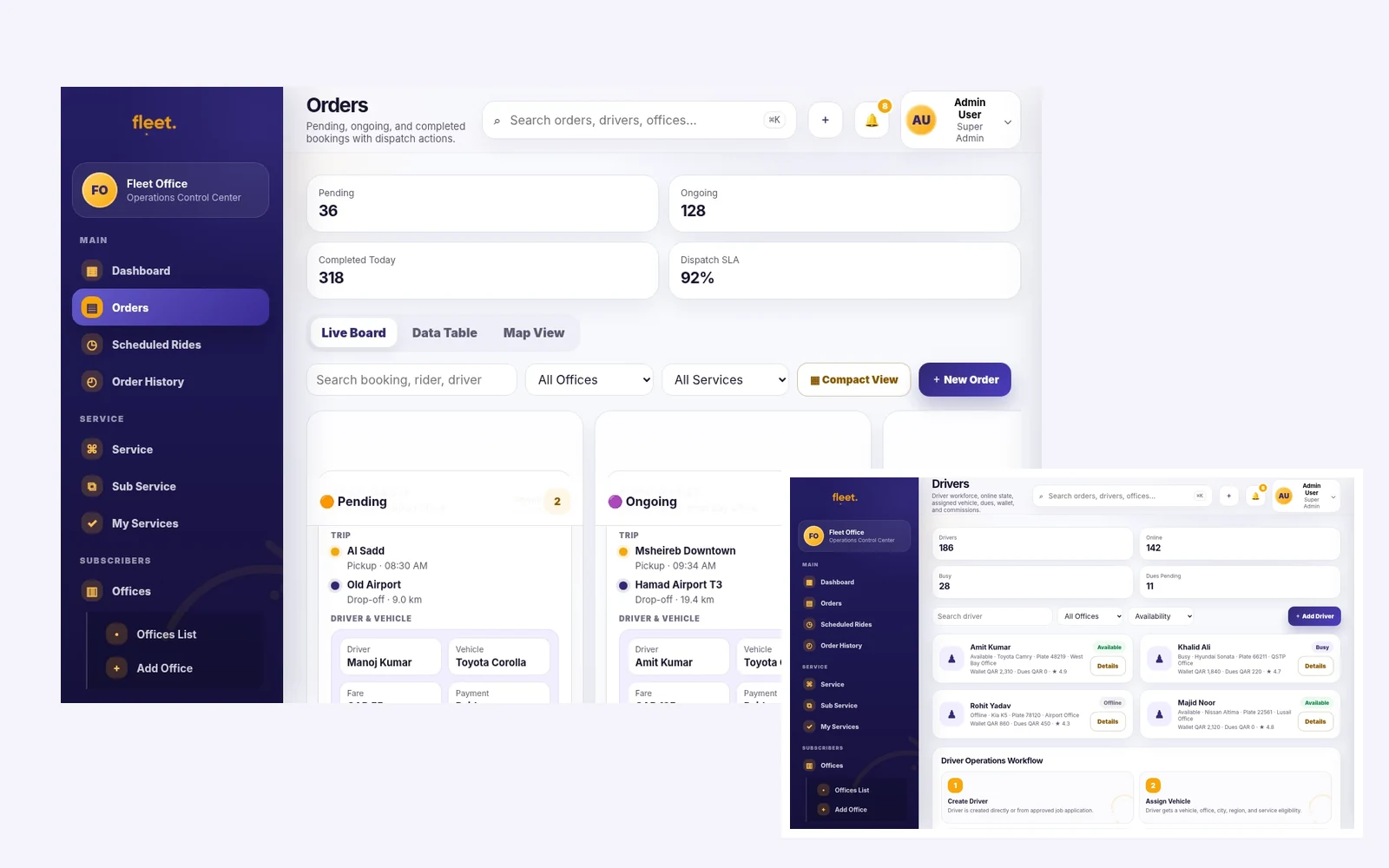
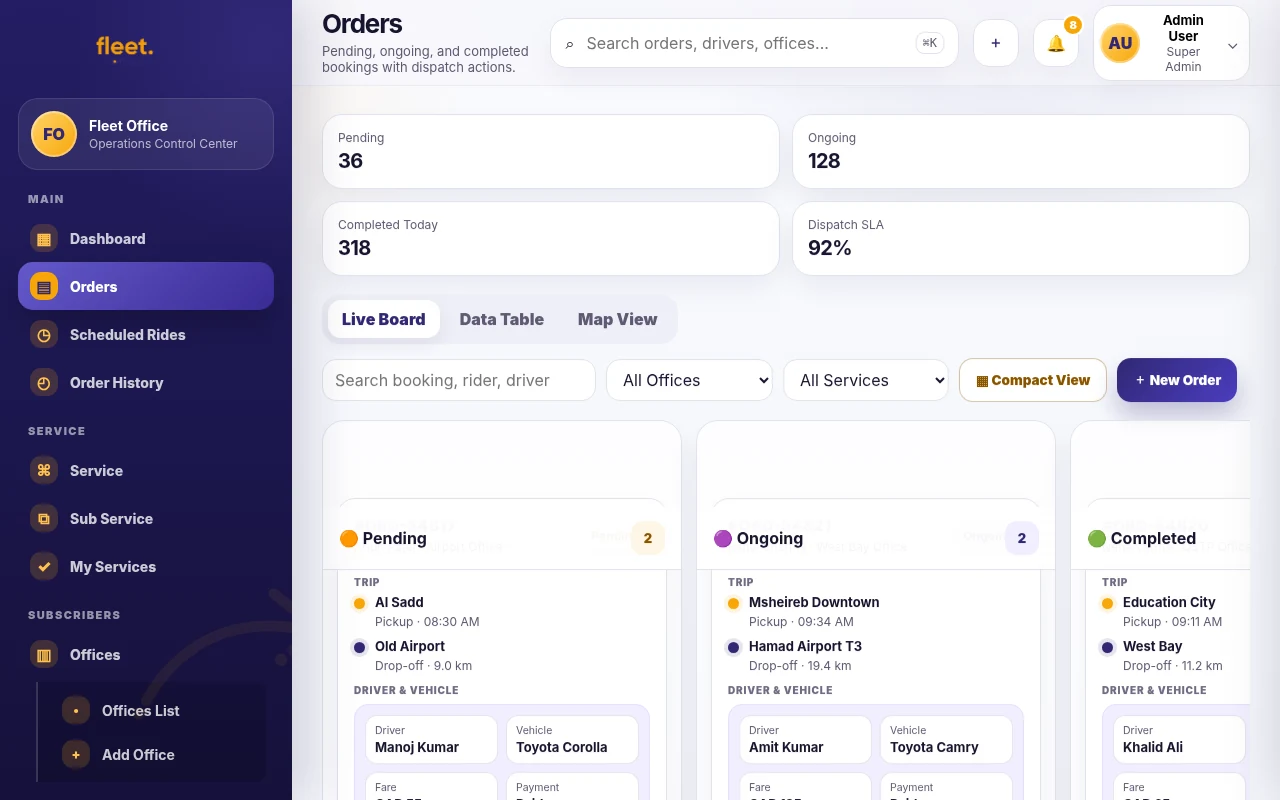
Manage the booking queue before it becomes a problem.
The dashboard shows pending, ongoing, completed and cancelled work with clear trip status, payment status, driver assignment and action buttons.
- View booking details, customer, pickup, drop-off, service type and fare.
- Assign or reassign a driver without losing the trip record.
- Track live progress and open support if a rider or driver needs help.
- Export, print or review completed trip sheets when needed.
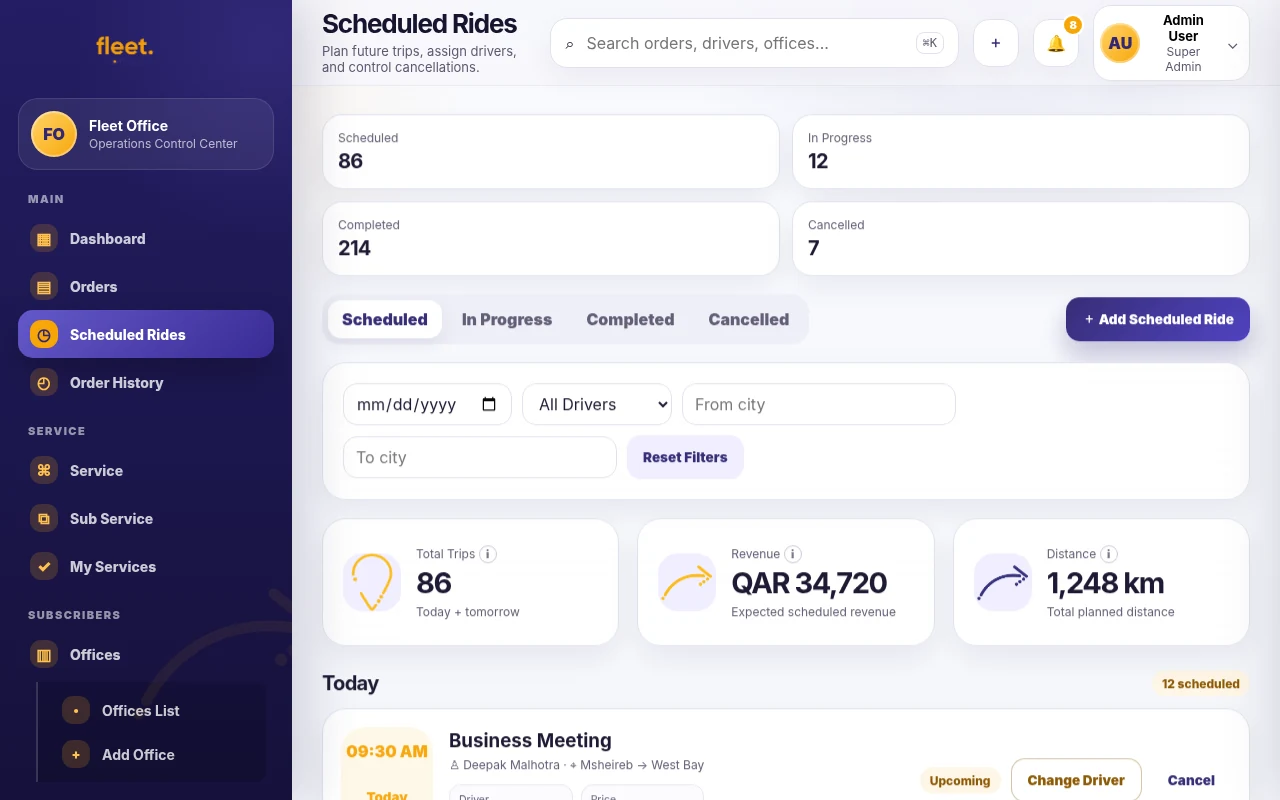
Plan airport, tourism and corporate trips.
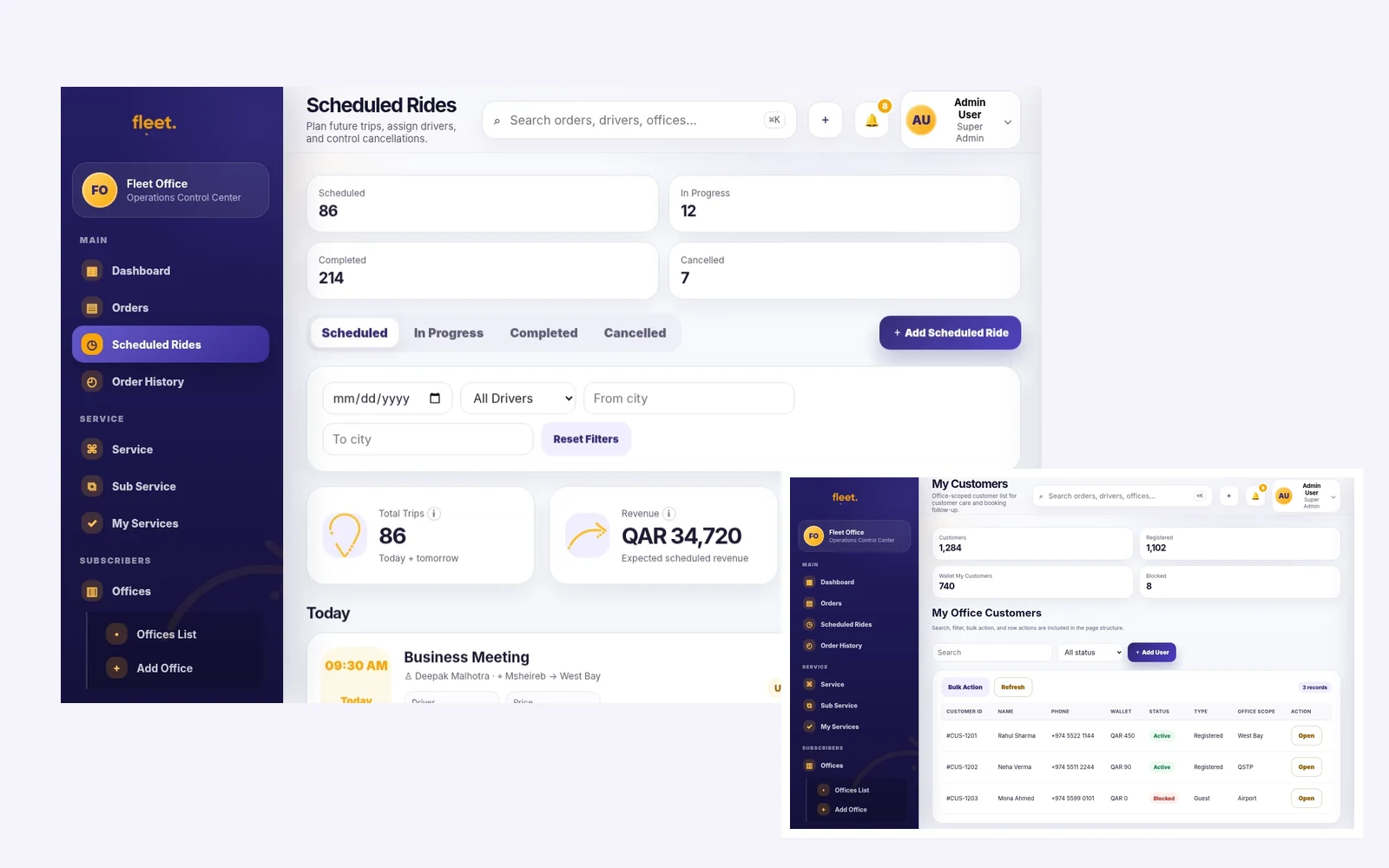
Scheduled bookings are important for Hamad International Airport transfers, hotel pickups, events, corporate trips and long-distance work. FleetOS helps offices see upcoming demand before the day becomes busy.
- Upcoming bookings by date, time, route and customer.
- Driver and vehicle assignment before pickup time.
- Service filter for Ride, Premium, Travel and Business classes.
- USD fare, payment status and operational notes for the office team.
Connect every customer record to real trips and service history.
My Customers gives the office a clear record of repeat riders, booking activity, wallet status and support context. Payments and wallet controls remain available in the same operating system.
- Customer details and trip history for repeat service.
- Office wallet, transactions and payout tracking in USD.
- Driver performance and vehicle use connected to completed work.
- Reports for revenue, cancellations, utilization and service demand.
| Office role | What they need | Dashboard value |
|---|---|---|
| Owner / manager | Revenue, customers, services, drivers and growth overview. | Reports, finance, plan usage and marketplace readiness. |
| Dispatcher | Immediate job queue, driver assignment and live trip progress. | Orders, Live trips, Scheduled trips and support tickets. |
| Finance staff | Fare value, payment status, wallet and driver payout. | Transactions, Wallet, Payouts and exportable records. |
| Support staff | Customer issue details and trip context. | Support tickets linked to bookings, drivers and customers. |
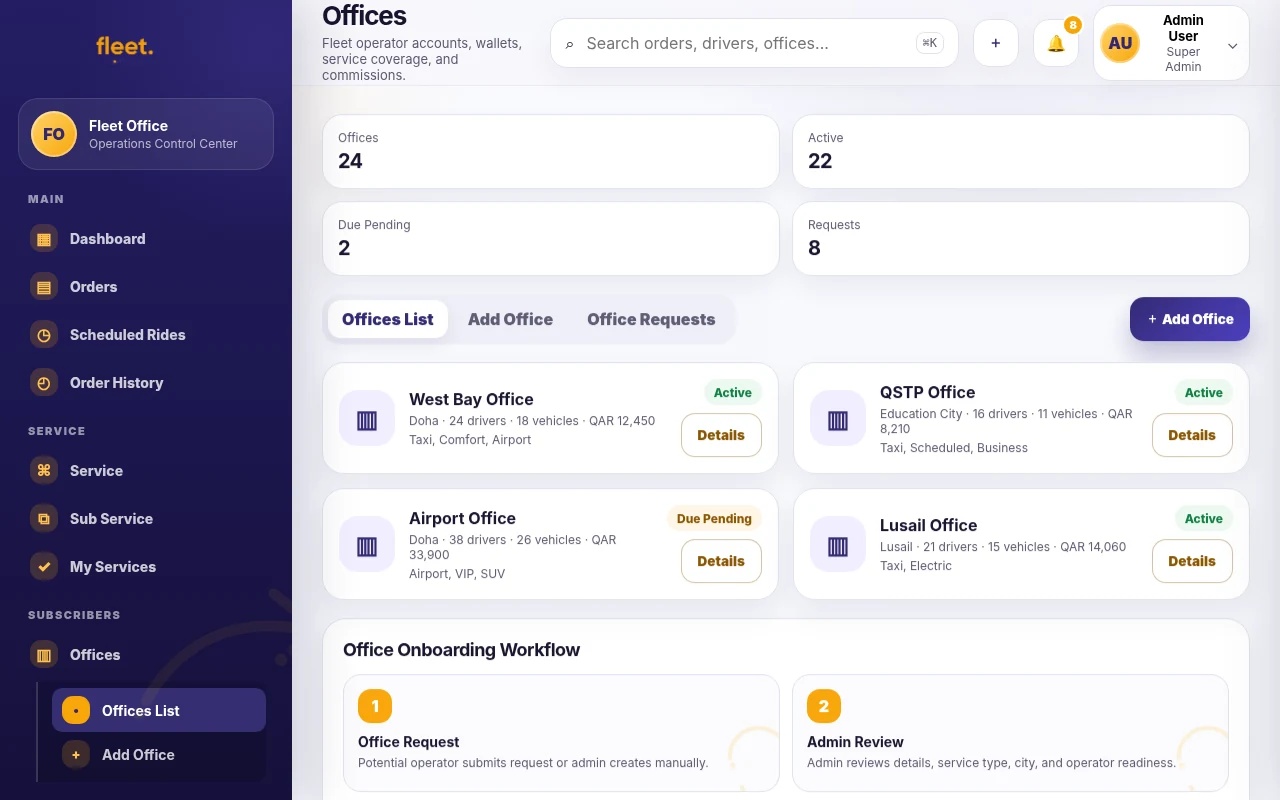
Explore the Fleet Office command center
Each card below is matched to the exact Fleet Office module shown in the screen.
Give your office one operating desk.
FleetOS is designed to replace scattered manual tools with a clean dashboard that matches the way a mobility office actually works.